
Documentation
How DeepFakeShield works
This page walks through the whole product in the order you will meet it, with a screenshot of each screen taken from a running deployment. It also states, plainly, what the analysis does not cover — because a security tool that only documents its strengths is a tool that will be misused.
The walkthrough
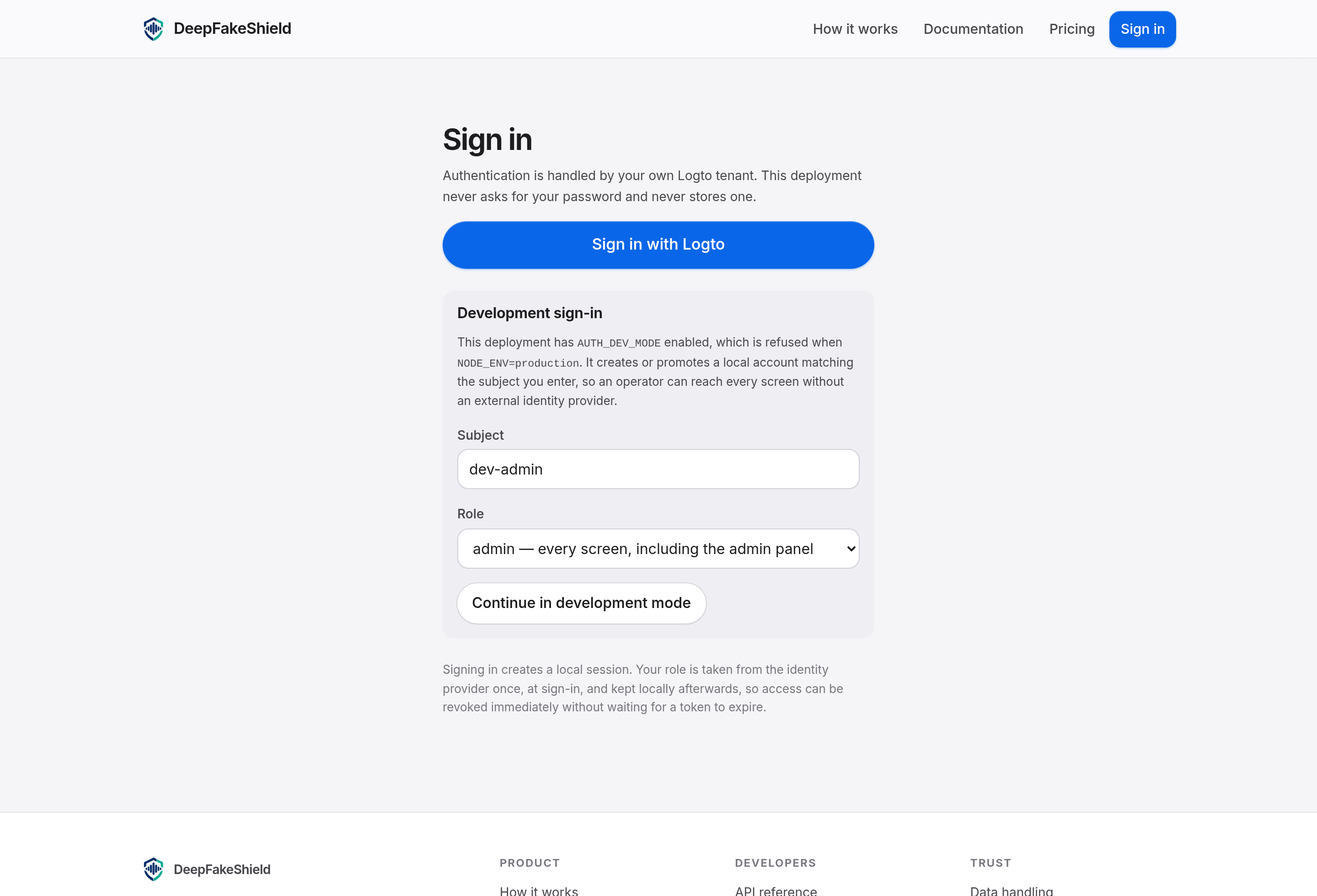
Sign in to your own deployment
Identity is handled by Logto, configured by your operator. The role attached to your account is taken from the token once, at sign-in, and owned by the local user table afterwards — so suspending an account takes effect immediately rather than whenever its token happens to expire. Development deployments can run a local sign-in instead, which is refused in production.
Submit audio or video
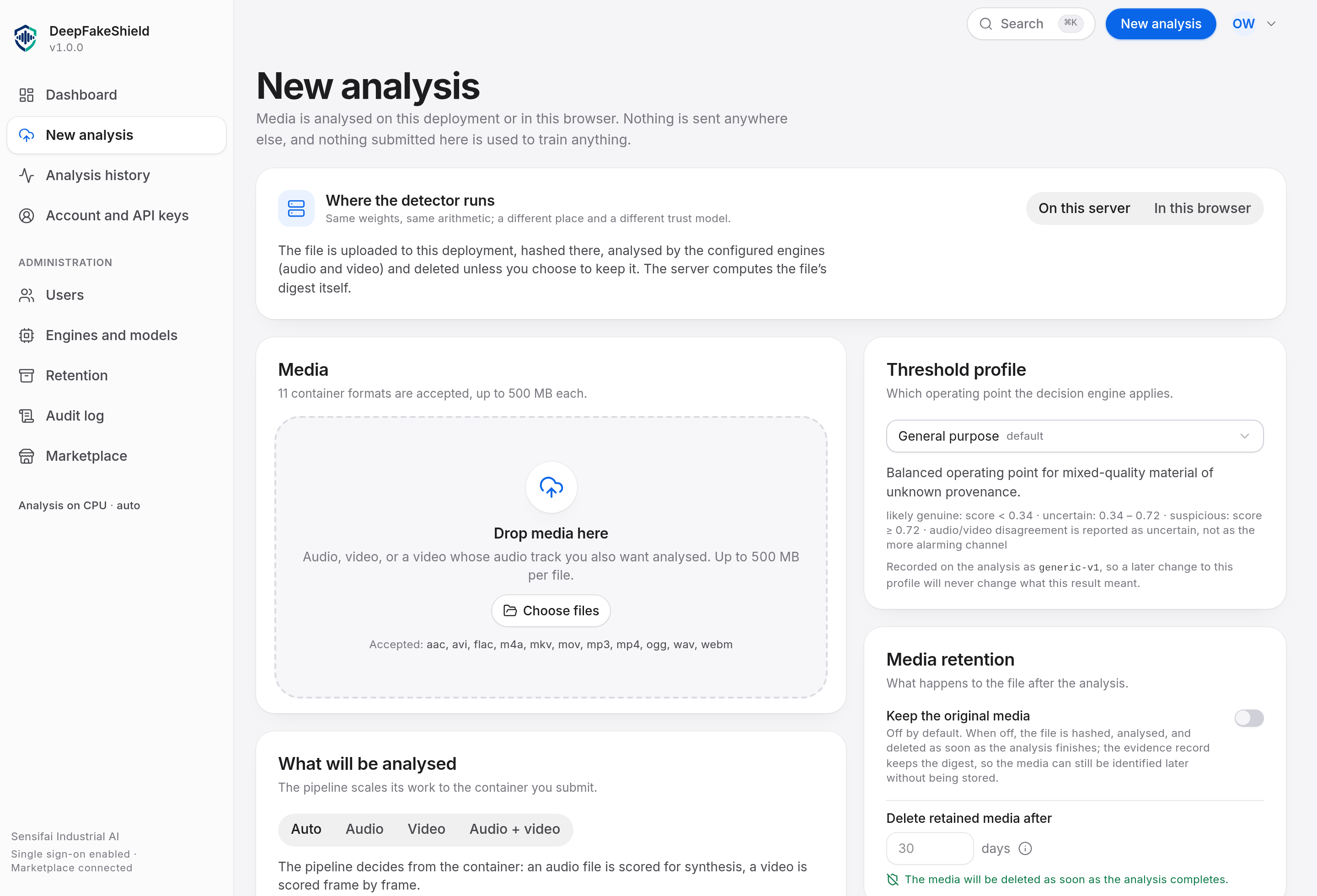
Drop a file on the New analysis screen or POST it to the API. The file is streamed to disk under a randomised name while it arrives, its size and its actual byte signature are checked during the upload rather than after it, and its SHA-256 is computed on the way in. Video files with an audio track are analysed on both channels by default.
Watch the analysis, then read the result
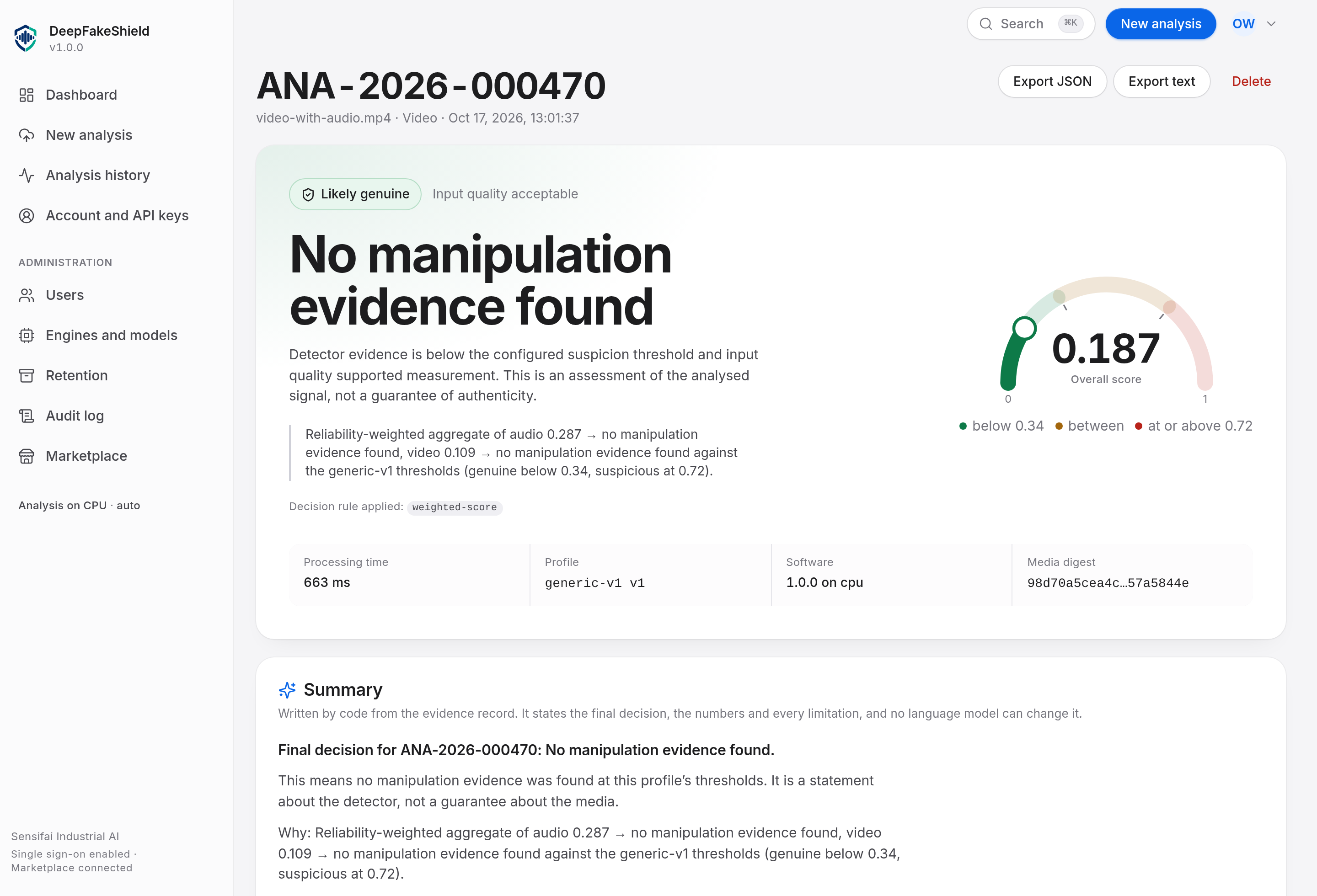
A worker claims the job and decodes the media: audio to mono PCM at the configured rate, video to frames at a configured sample rate with their timestamps. Each channel produces a quality assessment and a score, the two channels are fused under the profile’s thresholds, and the result screen shows the decision, the reasons, and the measurements behind it. Processing time is recorded per analysis and per channel.
Keep the evidence, remove the media
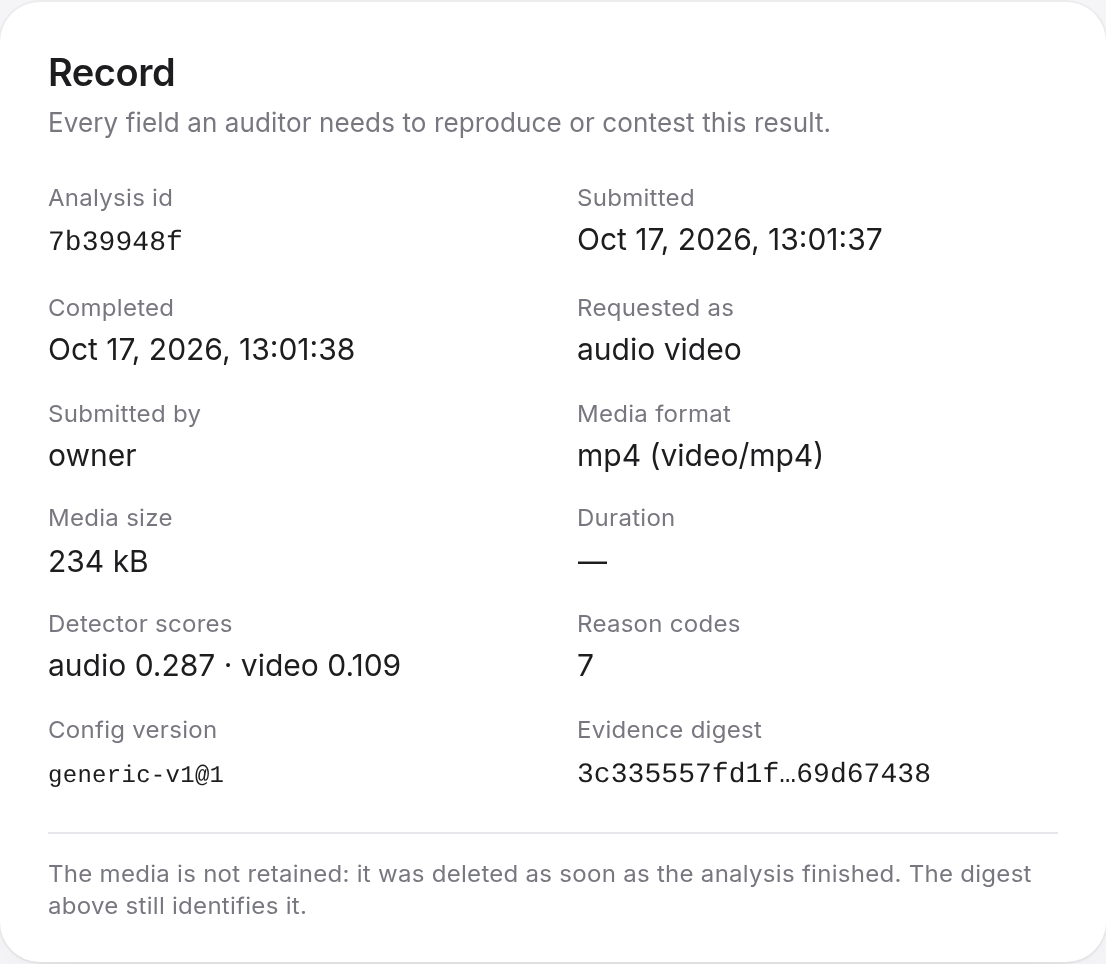
The evidence record is durable; the media is not. By default the file is deleted as part of the same operation that completes the analysis, and the record says so. If you asked for retention, the record carries the expiry date and the retention sweep enforces it — and a deployment where the sweep is doing the work is a deployment with a bug, not a deployment with a policy.
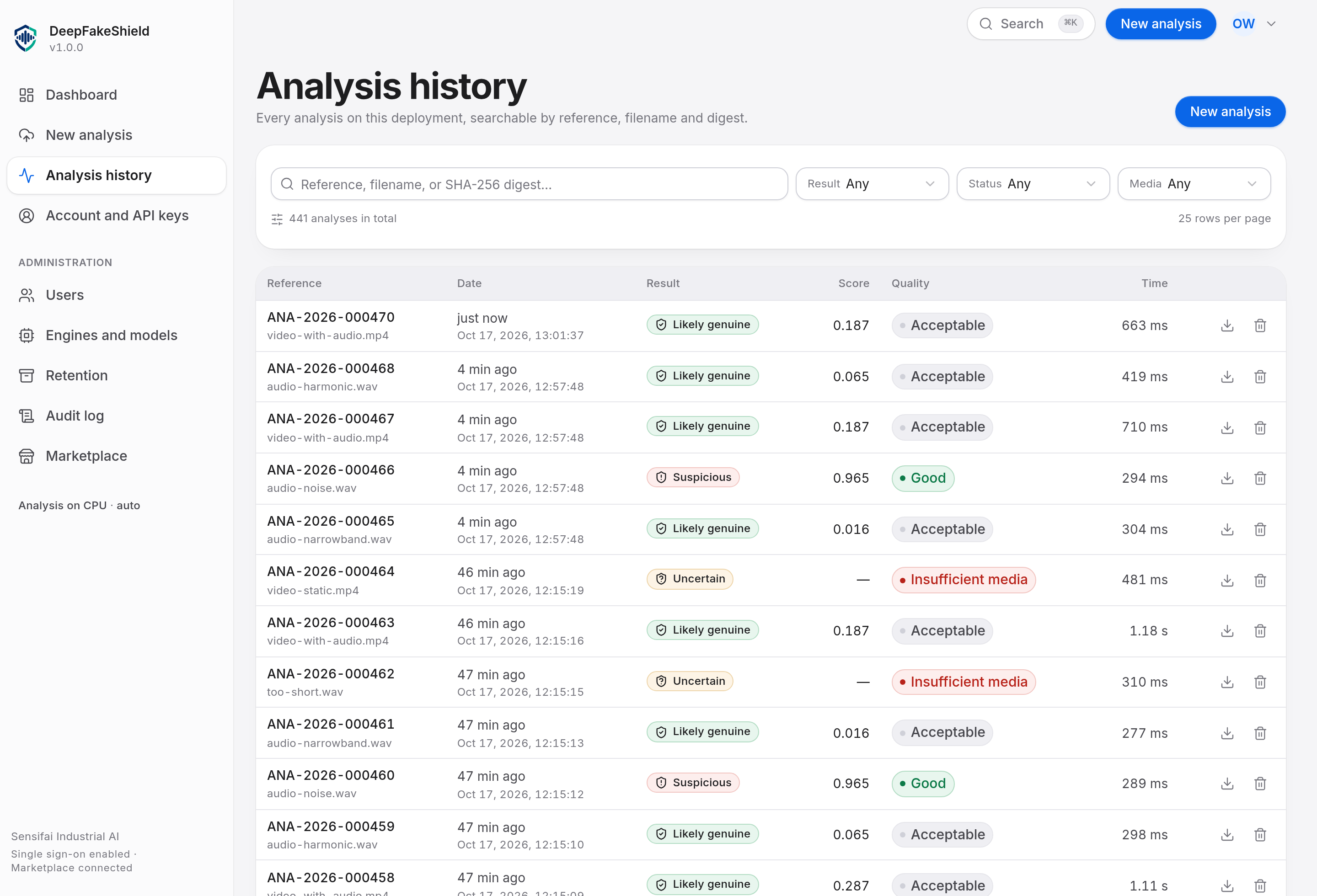
Find it again, and export it
History is searchable by reference, file name or media digest, and filterable by status, decision and media kind. Any row opens its result; any result exports its evidence record as JSON for a downstream system, or as a plain-text report for a person who has to sign something.
What actually runs
Two engines ship with the product. Both are reachable through the same interface, and the
evidence record always names which one answered a given analysis, at which version, with which
weights checksum. There is no silent substitution: if the trained-model sidecar is configured
but unreachable, the analysis fails with MODEL_ERROR rather than quietly returning a
weaker answer from the other engine. In auto mode the fallback is allowed, and the
record says it happened.
Built-in deterministic engine
A signal-forensics engine with no learned parameters. For audio it measures micro-variation that vocoders and concatenative synthesisers flatten: harmonic-to-noise ratio, pitch stability and jitter, shimmer, spectral flatness and low-band energy share. For video it measures dispersion — how unevenly residual energy, block grid alignment and temporal flicker are distributed across a clip — which is what localises a re-encoded or partially manipulated region.
It carries no weights, so its integrity state is not_applicable rather than
claiming verification. Its scores are labelled uncalibrated everywhere they
appear.
Optional PyTorch sidecar
A separate container that runs trained models on a GPU: AASIST for audio anti-spoofing, an Xception face-manipulation classifier with RetinaFace localisation for video. Its weights are hashed into the model registry at install time and re-checked on demand; a mismatch marks the engine degraded and records it.
AASIST is published under a research licence and is provided for evaluation. Confirm the licence terms for your use before relying on it operationally.
The four decision states
Every analysis ends in exactly one of four states. None of them is "fake": the product reports evidence about a recording, not a verdict about a person.
| State | What it means | What you should do |
|---|---|---|
| No manipulation evidence found | Detector evidence is below the configured suspicion threshold and input quality supported measurement. This is an assessment of the analysed signal, not a guarantee of authenticity. | Treat as an ordinary recording for your process. This is a statement about the evidence available, not a certification of authenticity. |
| Inconclusive — evidence insufficient to classify | Evidence is insufficient, the score sits inside the uncertainty band, or input quality was too poor to support a confident classification. | Do not treat the result as either an exoneration or a flag. Escalate to a human review, or obtain a better copy of the media and re-run. |
| Suspicious synthetic/manipulated media | Synthetic or manipulated content evidence exceeds the configured threshold. Further verification by a qualified reviewer is recommended before acting. | Do not act on this recording as authentic evidence without further verification. Read the reason codes and the channel details before deciding how to proceed. |
| Analysis could not be completed | The analysis did not complete, or the media was unsupported, unreadable, or too short to analyse. Nothing can be concluded from this record. | The platform could not reach a decision — the media was unreadable, the engine errored, or there was no evidence to weigh. Re-submit, or inspect the fault reason on the record. |
The thresholds between these states are configuration, not constants. They are stored with a version, copied onto every analysis, and shown on the result screen. Two deployments with different operating points will classify the same recording differently, and each record says which operating point produced it.
Evidence records
An evidence record is produced for every completed analysis and is immutable once written. It is addressed by the SHA-256 of its own canonical serialisation, so two records can be compared for equality without reading either one.
Identity and provenance
- Analysis identifier, reference, timestamp and submitting principal
- Original file name, media kind, byte size and duration
- Media SHA-256, computed while the file was being stored
- Engine name, engine version and model weights SHA-256, per channel
- Configuration version and the operating point that was applied
- Software version, and the device the analysis ran on
Result and retention
- Per-channel score, calibration statement and quality assessment
- Segment-level scores where the engine produced them
- The fused decision, the rule that fixed it, and every reason code
- Processing time, in total and per channel
- Whether the media was retained, its expiry, and when it was deleted
- The limitations declared by the engine that ran
Data handling
Media stays here
Files are decoded and scored by processes running inside the deployment. No component of the analysis path opens a connection to a third party. There is no telemetry, no licence check and no model download at run time.
Deleted by default
retainMedia defaults to false, and the delete happens in the same transaction
that marks the analysis complete. The retention sweep exists to catch a failed unlink, not to
implement the promise.
Never used for training
Submitted media and derived results are not used to train or tune any model, by us or by a third party. There is no mechanism in the product to export analysis content to a training pipeline.
Limitations
These are the boundaries of the product as it ships. They are on the public documentation page deliberately: an operator who knows them will use the tool correctly, and one who discovers them in an incident will not.
1. Natural-prosody neural speech is not caught by the built-in engine
The built-in audio engine rests on a deficit of micro-variation. Modern neural text-to-speech with natural prosody does not produce that deficit. Recordings generated by such a system will often land in uncertain rather than suspicious. This is stated on every result the engine produces, as a declared limitation in the evidence record.
2. Whole-frame video analysis without face localisation
The built-in video engine measures whole frames. It has no face detector, so a small manipulated region — a mouth, a single object — can be diluted by the rest of the picture. The trained-model sidecar exists to close this gap; until it is deployed, a low whole-frame score is not a statement that no region was manipulated.
3. Dispersion measures locality, not provenance
The video engine is sensitive to unevenness. A clip that was re-encoded or spliced consistently end to end — for instance, two clips concatenated and then encoded once — produces a uniform signal and will not be flagged. Only the motion-versus-detail correlation departs in that case.
4. No accuracy figure is claimed
No evaluated accuracy figure is published for this deployment, and none should be inferred from the interface. A manipulation-risk score is not a probability unless the engine that produced it declares calibration, and the evidence record says which of the two applies.
5. Not an authenticity certificate
Likely genuine means the available evidence did not indicate synthetic generation. It does not mean the recording is true, unedited, or complete. Judgements about people belong to a human process, with the evidence record as one input to it.
The API
Everything the interface does is available over HTTP under /api/v1, and the
OpenAPI document describing it is generated by the deployment itself — so it always matches the
build that is answering.
| Endpoint | Purpose |
|---|---|
| GET /health | Dependency status, including whether an engine is usable |
| GET /version | Software, schema, engine and capability versions |
| GET /models | Engine inventory and model registry with checksums |
| POST /analyses | Submit media for analysis |
| POST /analyses/stream | Submit a short clip as a raw body |
| GET /analyses | Search and page through history |
| GET /analyses/{id} | Full record including per-channel detail |
| GET /analyses/{id}/result | The decision, the reasons and the channels |
| GET /analyses/{id}/evidence | The evidence record, as JSON or as a text report |
| DELETE /analyses/{id} | Delete an analysis and any retained media |